Pairing the TM-P80II printer
Prerequisites – Install the Epson Print Enabled app.– Have at least version 2.5.11 of UBY Soil Mobile on Android (only). To make the printer pairable, first open it, then press the right button until you hear a beep. Close the printer: it will print a procedure. Select the action to perform (press once to initiate […]
Air quality sensor – WT1
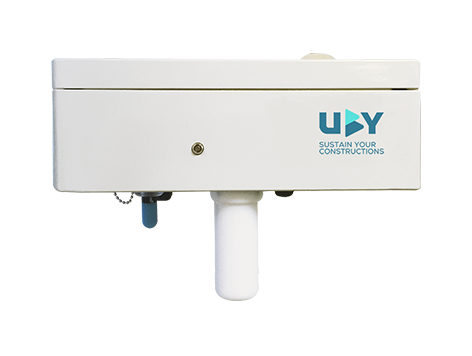
This versatile sensor measures indoor and outdoor air quality.
It measures humidity, temperature, atmospheric pressure and, more specifically, fine particles.
Access control – UBY GateSafe
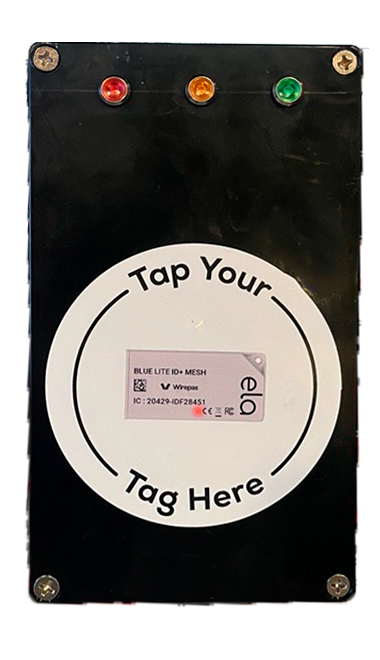
The UBY GateSafe NFC reader allows you to check the status of a tag before entering the monitored area. Prevent unauthorised persons from entering your site.
Our reader connects directly to your preferred access control system.
It is also an excellent way to record all entries and exits on your site.
Sound sensor – SV307
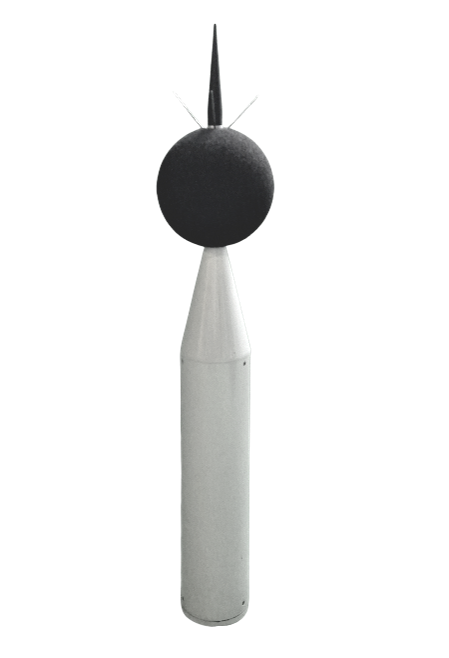
A Class 1 sound level meter that measures ambient sound, the SV-307 allows you to quantify sound volume to the nearest decibel.
Its real-time third-octave band frequency analysis allows you to determine the influence of low and high frequencies on the overall value.
Wireless sound level meter – Infra C50
The C50 is a new generation of permanent noise monitoring station. This station is designed for continuous monitoring with environmental and airport characteristics available simultaneously.
Water quality sensor – SVR100
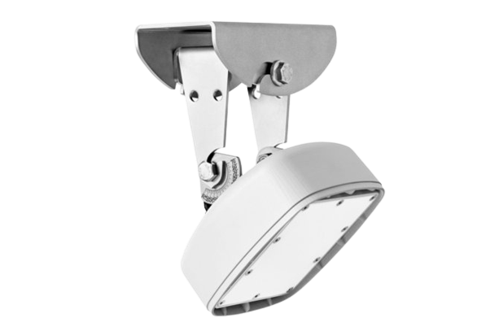
SVR 100 is a compact, non-contact radar sensor for measuring water surface velocity and flow direction. Designed to measure flow in open rivers and canals where reliable velocity data is required on a continuous basis, particularly during floods or when there are high concentrations of suspended sediments.
AIR QUALITY SENSOR – POD2
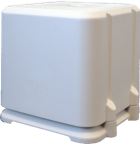
It measures indoor air quality, humidity, temperature and atmospheric pressure. It also measures fine particles (PM1, 2.5 and 10) and CO2.
It quantifies up to 3 different gases: NO2, O3, EtO, as well as odour intensity (odour unit distance).
The PULSE sensor
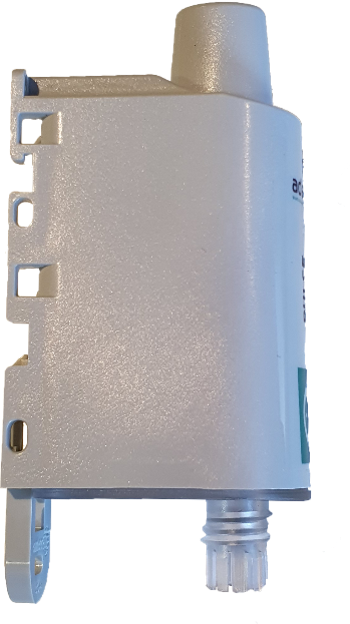
The PULSE sensor is a versatile meter reader.
It allows you to remotely monitor your water, gas and electricity consumption in real time from a single dashboard.
Introduction of AI in the construction industry

From the tendering phase to the operational phase, AI can significantly improve the efficiency and safety of projects.
Since 2019, UBY has been developing AI-integrated solutions to address the environmental and societal challenges inherent in construction activities.
The UBY white paper
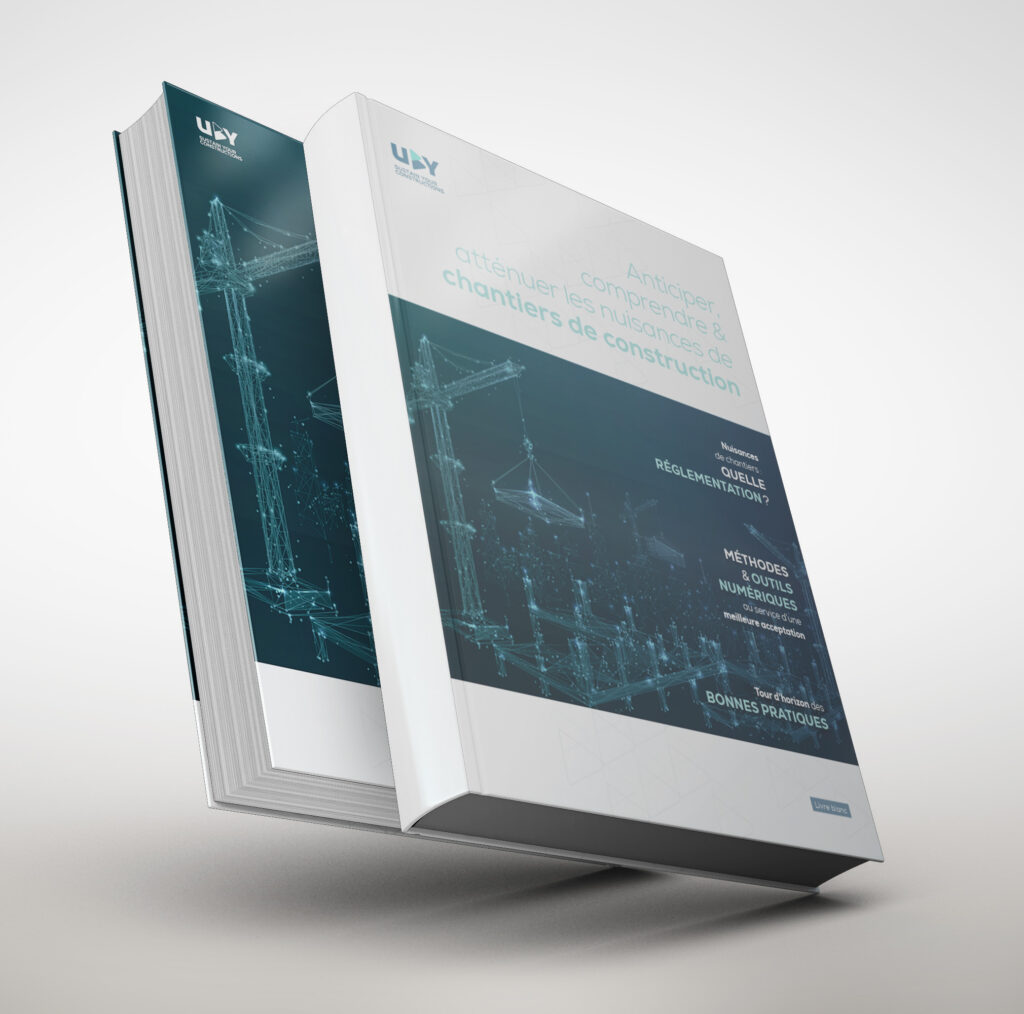
‘Anticipate, understand and mitigate the nuisance caused by construction sites’.
Discover all the intricacies of the regulations designed to protect local residents.